Rotating Multi Organizer: Setup Tips for Daily Desk Use
How to use rotating multi
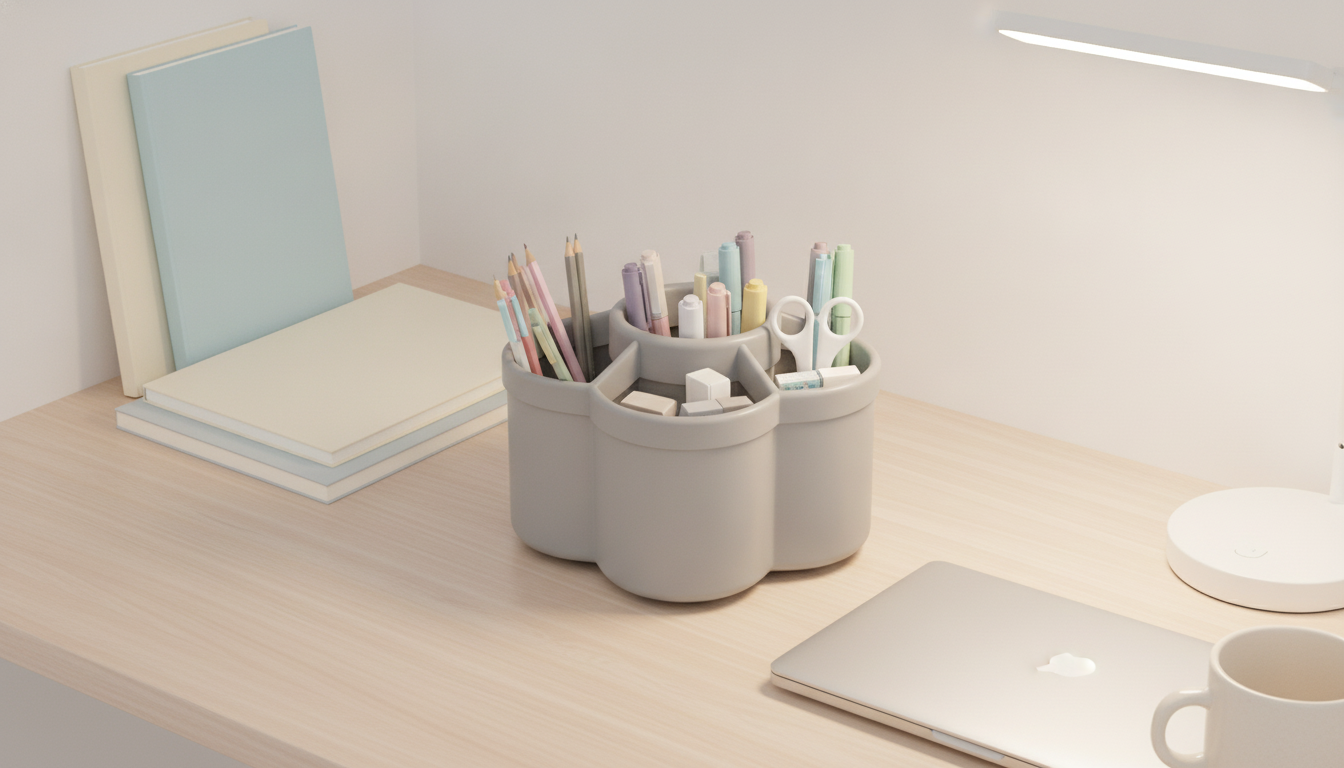
A rotating multi organizer (often a 360° rotating pen holder) is designed to keep frequently used desk items visible and within reach. The simplest way to use it well is to group items by task, place the most-used tools in the easiest-to-grab sections, and rotate the organizer so the right supplies face you when you need them.
Best way to set it up for daily use
1) Sort by category before you fill it
Start by emptying your loose supplies into small piles: pens/pencils, markers/highlighters, scissors, rulers, sticky notes, clips, and charging cables. This prevents overstuffing and helps you decide what actually belongs on your desktop.
2) Assign zones so rotation feels natural
Use one side for writing tools, another for cutting/measuring, and another for small accessories like paper clips or erasers. Keep the “front” zone reserved for the items you reach for multiple times a day, like a black pen, mechanical pencil, and highlighter.
3) Balance the weight for smooth spinning
Heavier items (scissors, metal rulers, thick markers) should be spread evenly around the organizer. When one side is much heavier, the caddy can feel wobbly and won’t rotate as smoothly.
4) Rotate by routine, not by clutter
Instead of spinning it randomly, rotate with purpose: writing side for planning, craft side for projects, admin side for bills and mail. This keeps the surface calmer because you’re “bringing the tools to you” without scattering them across the desk.
5) Reset weekly to keep it useful
Once a week, remove anything that migrated in (random receipts, dried pens, duplicates). A quick reset keeps compartments functional and prevents the rotating multi organizer from becoming a catch-all.
For more practical tips on choosing and using a 360° organizer to tidy your workspace, visit this guide to a 360° rotating pen holder.
FAQ
What should you store in a rotating desk organizer besides pens?
Small, grab-and-go items work best, like highlighters, scissors, rulers, sticky notes, paper clips, and erasers. Keep bulky items elsewhere so the organizer stays easy to rotate and doesn’t tip.








Leave a comment