Screen Time Limits for Kids: Simple Rules That Stick
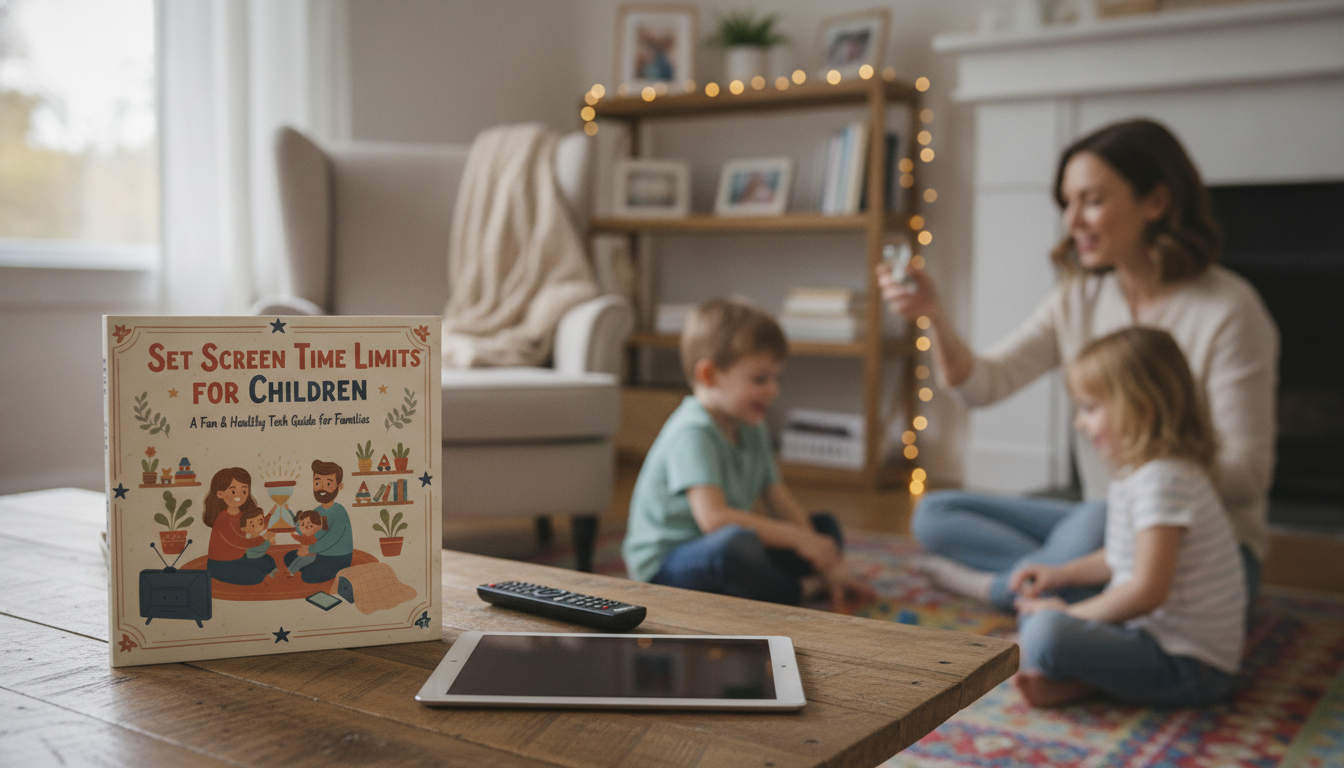
Set Screen Time Limits for Children: A Practical Digital Parenting Guide for Healthy Tech Habits
Healthy screen time limits are less about strict minutes and more about building routines kids can follow without daily battles. A workable plan balances sleep, school, movement, family time, and fun—while also setting clear boundaries around content, devices, and timing. The goal is a simple system: a few non-negotiables, predictable daily rhythms, and age-appropriate independence that grows over time.
Start with the “non-negotiables” that protect sleep, school, and mood
The fastest way to reduce arguments is to stop making decisions in the moment. Choose a short list of everyday rules that stay the same whether it’s a Monday or a snow day.
- Pick 3–5 rules you’ll enforce consistently. Examples: no screens during meals, devices charge outside bedrooms, and screens off 60 minutes before bed.
- Protect sleep first. Set a steady bedtime and wake time, then fit screens around that—never the other way around. The CDC highlights that consistent, adequate sleep supports learning and mental health in kids and teens.
- Define “must-dos” before “screen-dos.” Homework, outdoor play, chores, reading, and family responsibilities come first (and are easier to enforce when they’re predictable).
- Build a calm power-down routine. Use a timer, give a 10-minute warning, then move immediately to a specific next activity (snack, shower, walk, board game) so the transition doesn’t feel like a void.
For help making these rules concrete (and easy to communicate), a structured resource like the Digital parenting guide, eBook and checklist for healthy tech habits can turn your “we should…” goals into a short set of written house rules everyone can remember.
Age-based starting points (then personalize)
Age is a starting line, not a finish line. Two kids the same age can react very differently to the same amount of screen time, especially when school load, anxiety, sleep needs, and impulse control vary.
- Separate educational vs. recreational use. School assignments and class communication are not the same as streaming, games, or scrolling.
- Use behavior as your dashboard. If you see more irritability, tantrums, mood swings, or worse sleep, reduce recreational time and tighten timing rules first (like no screens before school or after dinner).
- Co-view when possible. Especially with younger kids, watching together helps you model healthy reactions, explain confusing content, and notice what overstimulates them.
| Age | A workable starting range | Notes for parents |
|---|---|---|
| 0–2 | As little as possible | Video chatting is fine; prioritize play, language, and sleep routines. |
| 2–5 | About 0.5–1 hour | Co-view when possible; choose slower-paced, age-appropriate content. |
| 6–9 | About 1–2 hours | Aim for screens after homework/outdoor time; keep devices in shared spaces. |
| 10–12 | About 1.5–2.5 hours | Build independence with check-ins; watch for late-night use and social pressure. |
| 13–17 | About 2–3 hours (recreational) + school needs | Use tech agreements, bedtime device parking, and social media guardrails. |
For broader guidance on healthy routines (including sleep and movement), the American Academy of Pediatrics Family Media Plan is a helpful reference to align expectations across caregivers.
Build a weekly screen schedule that reduces negotiations
Random access all day makes screens feel like a constant option, which leads to constant asking. “Screen windows” turn screen time into something expected and contained.
If you want an easy non-screen “default activity,” an outdoor ride-on can shift the after-school mood quickly. The Kids’ 12V Ride On Land Rover with Remote Control and LED Lights is one option that encourages movement and imaginative play when kids are tempted to grab a device out of habit.
Set content rules that matter as much as time
Use device tools without making the device the bad guy
Sleep routines are a powerful lever here; the CDC’s sleep guidance underscores how sleep affects attention, behavior, and overall health—making “devices out of bedrooms” one of the most effective non-negotiables.
Handle pushback and screen-time meltdowns with predictable scripts
When screen time is the default dopamine hit, hands-on play can make transitions smoother. Even a focused activity like the High-Speed 1/8 Scale Monster Tank RC Car can give kids a “cool factor” alternative that doesn’t involve passive scrolling.
A ready-to-use plan: guide + checklist for consistent boundaries
- Turn goals into clear house rules. A structured resource like the Set Screen Time Limits for Children | Digital Parenting Guide, eBook & Checklist for Healthy Tech Habits can help you define device locations, bedtime rules, app approvals, screen windows, and easy-to-enforce consequences.
- Use one checklist for the whole house. When rules are the same from parent to parent (and from weekday to weekend), kids adapt faster.
- Review every 4–6 weeks. Adjust for school workload, sports seasons, or new apps—without rewriting everything.
FAQ
What’s a realistic screen time limit for school-age kids?
A practical target for recreational use is often about 1–2 hours per day, while separating that from school-related device time. If sleep, mood, grades, or activity level start slipping, tighten the timing (like no screens before school or after dinner) before obsessing over exact minutes.
How can screen time limits work when homework requires a device?
Create separate “school” and “fun” windows, and use device profiles or app limits so entertainment is blocked during homework time. End the day with a consistent device parking routine so school access doesn’t turn into late-night scrolling.
What should happen if a child breaks the screen time rules?
Use calm, predictable consequences tied to access—like earlier downtime or a short-term reduction in recreational time—rather than long lectures. Add a repair step: review the rule, practice shutting down when the timer goes, and then re-earn trust with a few days of consistent follow-through.










Leave a comment