Printable Screen Time Rules Checklist for Calmer Families
Smart Screen Time Rules for Kids: A Printable Checklist for Calm, Consistent Family Tech Habits
Clear, shared screen time rules reduce daily negotiations and help kids build healthier digital habits. The goal isn’t “no screens”—it’s fewer surprises, fewer arguments, and better sleep, focus, and family connection. Below is a practical set of boundaries organized into a simple checklist you can post, practice, and update as children grow—without turning every device moment into a power struggle.
What “smart” screen time rules look like at home
- Simple enough for kids to repeat back in their own words (“Screens after homework,” “Phones charge in the kitchen”).
- Specific: when screens are allowed, where they’re used, and what content is OK.
- Balanced: protects sleep, schoolwork, play, and family time while still allowing fun.
- Consistent: the same core expectations across caregivers, with age-appropriate flexibility.
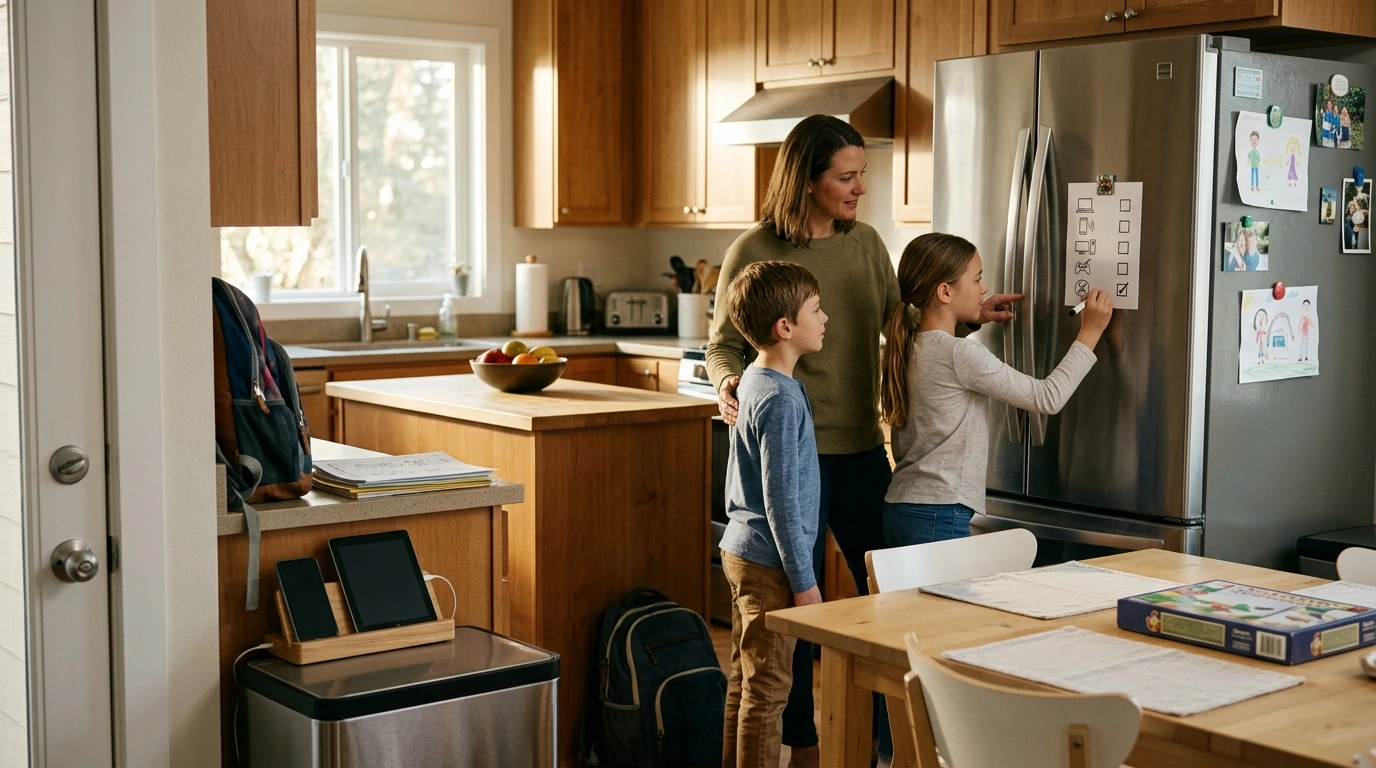
- Visible: written rules posted in a common area so reminders feel neutral, not personal.
Set the foundation: non‑negotiables that prevent the biggest problems
- Sleep comes first. Devices charge outside bedrooms; screens go off well before bedtime. For sleep guidance, the CDC’s sleep resources are a helpful reference point.
- Meals are screen-free by default (with clear exceptions for travel, illness, or special events).
- Homework/chores before entertainment screens. A predictable order reduces arguing.
- One “stop” signal. Use a single phrase (“Screens off”) or a timer so kids know the cue is the cue—no debates.
- No secret accounts or hidden apps. Parents retain access to devices and passwords.
Age-based guidelines you can actually apply
Age is a starting point—not the whole story. Adjust up or down based on sleep, mood, school needs, and how your child handles transitions. For younger kids, prioritize high-quality content and co-viewing (the American Academy of Pediatrics offers widely used digital media recommendations). As kids get older, shift from time-only limits to responsibility, privacy, and online safety.
Practical screen time rule examples by age
| Age range | Simple daily rule | Content & safety focus | Family boundaries |
|---|---|---|---|
| 0–2 | Keep screens minimal; use video chat as the main exception | Co-view when used; avoid autoplay | No screens during meals; devices away at bedtime |
| 3–5 | Short, planned sessions; stop with a timer | Parent-picked apps/shows; talk about what’s on screen | Screens only in common areas |
| 6–9 | Entertainment screens after responsibilities; set a clear daily cap | No open web without supervision; safe search + kid profiles | One device at a time; no screens while eating |
| 10–12 | Build “screen blocks” (e.g., after school + weekend windows) | Introduce privacy basics and reporting; limit social features | Nightly device check-in and charging station |
| 13+ | Tech privileges tied to routines, grades/effort, and behavior | Social media rules, location sharing, and real consequences for risky choices | Family “offline hours” and respectful phone etiquette |
Create your family tech rules in 15 minutes (a low-drama process)
House rules that cover the most common conflict zones
Troubleshooting: when screen time limits trigger meltdowns
- Check basics first. Hunger, fatigue, and overstimulation can look like “screen addiction.” For younger kids, general routines around movement and rest matter—see the WHO guidance on activity, sedentary behavior, and sleep (under age 5).
- Shorten sessions and increase predictability. Fewer surprises means fewer blow-ups.
- Replace, don’t just remove. Plan a quick alternative: snack, outside time, LEGO, reading, or a simple chore with you.
- Use “earned time” sparingly. Tie it to stable routines (morning checklist, homework block), not constant negotiating.
- If behavior escalates, tighten content before minutes. Fast-paced shows and highly stimulating games can make transitions harder, even with short time limits.
Printable checklist: post it, practice it, update it
If you want a ready-to-print, tidy format that’s easy to hang up and revisit, see the Smart Screen Time Rules for Kids Checklist (printable family tech rules eBook).
Screen-free swaps that make “devices off” easier
- High-energy outdoor play: a ride-on can turn after-school restlessness into movement time. Consider the Kids’ 12V Ride On Land Rover with Remote Control and LED Lights for big-body play during designated “offline hours.”
- Hands-on hobbies: RC play can be a fun “replacement activity” when a timer ends. The High-Speed 1/8 Scale Monster Tank RC Car is a screen-free way to keep attention engaged.
- Cozy routines: swap evening scrolling with a calm wind-down like reading, puzzles, or a comfy outfit change before bedtime. The Girls Knit Sweater Dress with Heart Print & Ruffle Collar can be part of a consistent “night routine” cue for younger kids.
FAQ
What are the most important screen time rules to start with?
Start with 3–5: screens off before bedtime with devices charging outside bedrooms, meals screen-free, responsibilities before entertainment, screens in common areas, and one clear “stop” signal. Fewer rules are easier to enforce consistently, which is what reduces arguments.
How can screen time rules work when caregivers aren’t consistent?
Use a shared written rule sheet and agree on a few non-negotiables (sleep, meals, and secret accounts are common starting points). Align device settings across homes when possible, and keep consequences calm and predictable so kids don’t learn to play adults against each other.
Should screen time limits be about minutes or about behavior?
A blended approach usually works best: time windows and short sessions for younger kids, then more responsibility-based privileges for older kids. If sleep, mood, or schoolwork starts slipping, adjust the rules based on impact—not just the clock.











Leave a comment