AI Baby Sleep Tracking: Simple Logs, Calm Routines
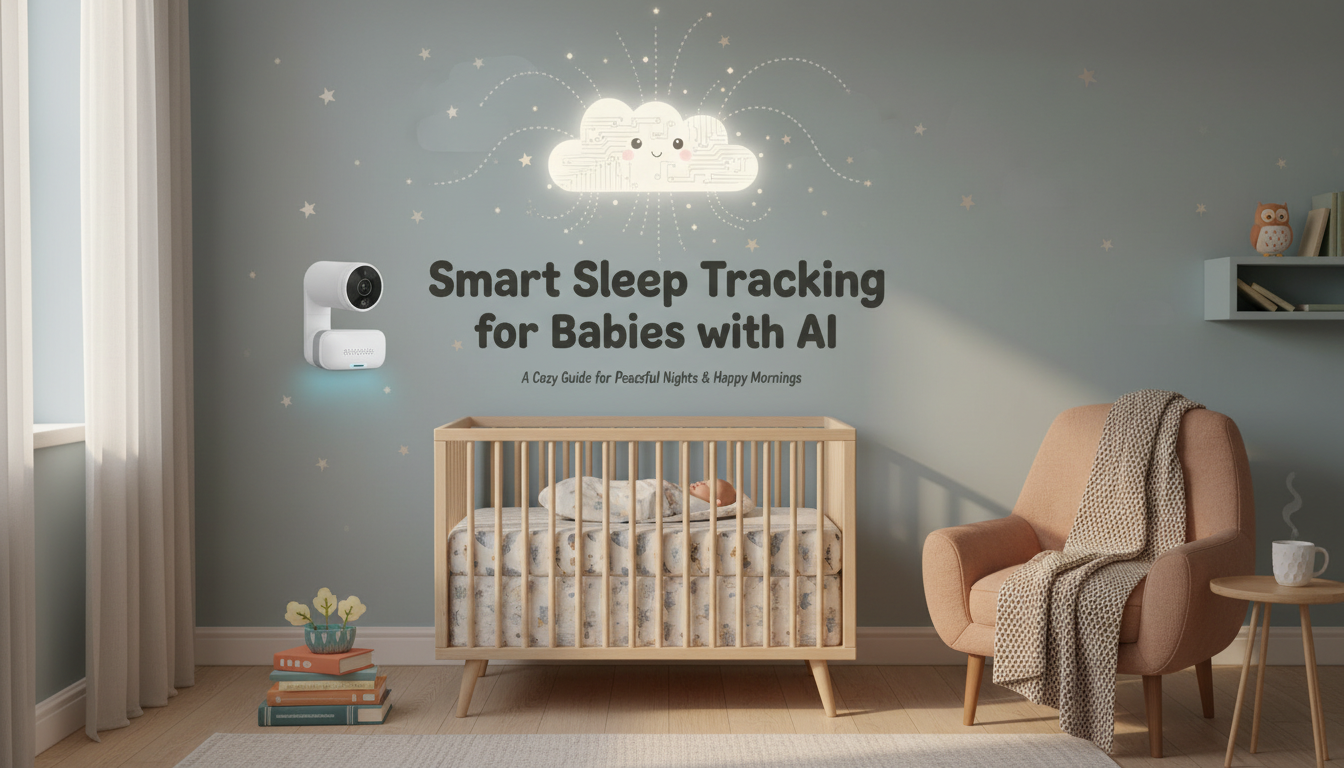
Smart Sleep Tracking for Babies with AI: A Practical Digital Guide for New Parents
Baby sleep can feel unpredictable, especially in the early months. A simple AI-assisted approach can help capture patterns, suggest gentle routine tweaks, and track progress without turning sleep into a stressful numbers game. This guide focuses on safe, realistic ways to use AI tools to log sleep, build routines, and make sense of changes over time.
What “smart” sleep tracking can do (and what it can’t)
Smart sleep tracking works best as a “pattern finder,” not a verdict on whether sleep is “good” or “bad.” When you pair consistent notes with AI summaries, you can quickly see what’s changing and what’s stabilizing.
- Helps spot patterns: typical nap windows, bedtime drift, frequent night wakings, and the time of day meltdowns tend to show up.
- Turns messy notes into summaries: daily totals, average wake windows, and simple trend lines can be generated from basic logs.
- Supports decision-making: you can test one change at a time (bedtime, nap length, feeding timing) and compare before/after.
- Doesn’t diagnose medical issues or replace pediatric guidance—especially for breathing, feeding, or growth concerns.
- Data quality matters: inconsistent logging (or changing too many things at once) can lead to unhelpful suggestions.
Set up a simple tracking system in 10 minutes
The best system is the one you’ll actually use at 2:00 a.m. Keep the first week minimal, then add detail only if it’s genuinely helpful.
- Pick one primary method: phone notes/app, a basic spreadsheet, or an AI chat plus a daily template.
- Track only the essentials for the first week: sleep start/end, where baby slept, how they fell asleep, and night feeds/wakings.
- Add context tags when needed: illness, travel, vaccinations, visitors, skipped nap, teething signs.
- Decide who logs what: one parent tracks nights while the other tracks naps, or alternate days to avoid burnout.
- Create a consistent naming style: “Nap 1,” “Nap 2,” “Bedtime,” “Night waking 1” so summaries stay clean.
If you want a ready-to-use framework (templates, routine builders, and tracking shortcuts), the Smart Sleep Tracking for Babies with AI digital guide can help you start quickly without overcomplicating your day.
Daily AI prompts that save time
A short, repeatable check-in works better than long messages. The goal is to offload organizing and summarizing—while you make the final call based on your baby’s cues.
- Generate a daily summary: total sleep, longest stretch, most difficult window, and what looked different today.
- Ask for a “one change” suggestion: one small adjustment to test for 2–3 days (not five changes at once).
- Request a routine draft: based on baby’s age range and observed wake windows, then adapt to real-life cues.
- Format notes for caregivers: turn your log into a clean handoff for a partner, grandparent, or sitter.
- Create a troubleshooting tree: “If bedtime takes longer than 30 minutes, try X; if night wakings increase, try Y.”
For families juggling multiple schedules (workdays, daycare days, siblings’ activities), pairing sleep tracking with a broader planning system can reduce friction. The Using AI to Organize Kids’ Schedule digital guide is a practical add-on when the issue isn’t just sleep—it’s timing and handoffs.
Build a flexible routine that still respects baby cues
Routine doesn’t have to mean rigidity. The sweet spot is a simple structure that leaves room for growth spurts, nap variability, and the occasional “nothing worked today” day.
Track progress without getting overwhelmed
| Day | Total sleep (24h) | Bedtime range | Night wakings (#) | Nap notes | One change tested |
|---|---|---|---|---|---|
| Mon | — | — | — | Nap 2 short; fussy late afternoon | Earlier wind-down by 10 min |
| Tue | — | — | — | Longer first nap; easier bedtime | Same as Mon |
| Wed | — | — | — | Skipped catnap; overtired signs | Move last nap earlier |
| Thu | — | — | — | Better mood; bedtime faster | Keep last nap earlier |
Common sleep challenges and AI-assisted troubleshooting ideas
Safety and privacy basics for using AI with baby data
- Avoid identifying details (full name, address, exact birthdate) when using AI tools; age ranges and patterns are enough.
- Store logs securely: use password protection, device locks, and private files rather than public documents.
- If using wearables/apps: review data-sharing settings and opt out of unnecessary permissions.
- Follow safe sleep recommendations: use guidance from the American Academy of Pediatrics and review general sleep basics via the CDC.
- Get medical advice for concerns like breathing issues, persistent poor weight gain, or extreme sleep changes.
When to ask for extra help
FAQ
Is AI sleep tracking accurate for babies?
Accuracy depends on the tool and the quality of your input. Manual logs plus AI summaries are typically reliable for spotting patterns, while sensors and wearables can vary—so it’s best to focus on multi-day trends rather than a single-night number.
How long does it take to see progress after adjusting a routine?
Small tweaks are often evaluated over 2–3 days, while more stable trend changes usually take 7–14 days to become clear. Changing one variable at a time also helps you see what’s actually working, especially around growth spurts or minor illness.
What should be tracked if there’s no time to log everything?
Track sleep start/end for naps and night, how long bedtime took, the number of night wakings/feeds, and one brief context note (like teething or travel). Consistency matters more than detail, and even a minimal log can reveal patterns over a week.









Leave a comment