Microsoft’s Free AI Reading Coach: How It Helps Kids

What is Microsoft’s free AI English reading coach?
Microsoft’s free AI English reading coach is a set of reading-support features (often called “Reading Coach”) that helps learners practice reading aloud, get feedback, and build fluency over time. It’s designed for students, families, and educators who want structured practice without needing a separate paid tutoring app.
How it works
Reading Coach typically uses speech recognition to listen as a learner reads a passage out loud. It can identify likely misread words, pauses, and tricky sound patterns, then suggest targeted practice. Many versions connect to Microsoft’s reading tools used in education—such as assignments where a student records their reading and the system helps highlight errors and progress—so practice can feel guided instead of guesswork.
What it helps kids practice
The coaching focuses on core building blocks of English reading:
• Fluency: reading speed and smoother phrasing
• Accuracy: catching skipped or substituted words
• Pronunciation support: nudges for difficult words and patterns
• Confidence: low-pressure repetition with clear, measurable improvement
Who it’s for (and what “free” usually means)
Availability can depend on the specific Microsoft product and account type, but many families can access reading support at no cost with a Microsoft account or through a school’s Microsoft 365 Education setup. If your child’s school uses Microsoft tools, Reading Coach features are often already included in the learning platform.
Making it part of a simple at-home routine
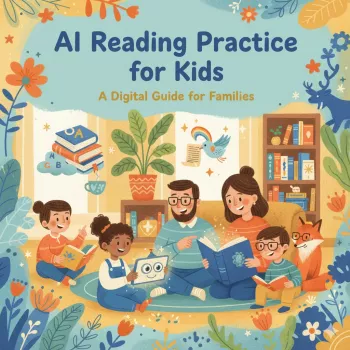
AI feedback is most useful when it’s consistent. Pair short, frequent sessions (5–10 minutes) with a clear goal—like improving a few challenging words or rereading the same passage more smoothly. For a kid-friendly way to set goals, track progress, and keep sessions from turning into a battle, use this practical guide: AI Reading Checklist for Kids: Goals, Routine & Progress.
FAQ
How can parents track reading progress at home without overwhelming their child?
Keep it simple: choose one metric (minutes read, rereads completed, or a short list of “tough words”) and review it weekly. Celebrate small wins and adjust goals so practice stays short and doable.








Leave a comment