Keeping Kids Safe Online: A Family Checklist
10% off on product page · save $1.00
Keeping Kids Safe Online: A Family Checklist
Start with conversations, not just controls
Begin with curiosity. Ask your child which games and apps they enjoy, what they like about them, and who they talk to there. You are more likely to hear about a problem later if talking about ordinary online experiences already feels normal.
Make one promise especially clear: “If something online makes you uncomfortable, you can tell me. We’ll work out what to do together.” Avoid making an immediate loss of device access the default consequence of speaking up. Your child may otherwise hide a message or mistake because they fear losing an activity they value. You can still adjust access when needed; first, listen and understand what happened.
Parental controls can limit purchases, filter some content, or manage time, depending on the device and service. They cannot interpret every conversation or replace your relationship with your child. The American Academy of Pediatrics’ family media resources offer more guidance for making media choices together.
Check the product’s listed specifications when evaluating start with conversations, not just controls.
Make the checklist fit your household
Review the devices, games, and apps your child actually uses. A younger child may need you beside them while changing settings; an older child may be ready to explain their choices. Look together at whether an account is public, whether strangers can send messages, and whether location sharing is on.
Then choose a few rules your child can remember: ask before accepting a new contact, do not post a school name or address in public chat, and tell you when a message feels uncomfortable. Revisit those agreements when a new device arrives or a game adds social features.
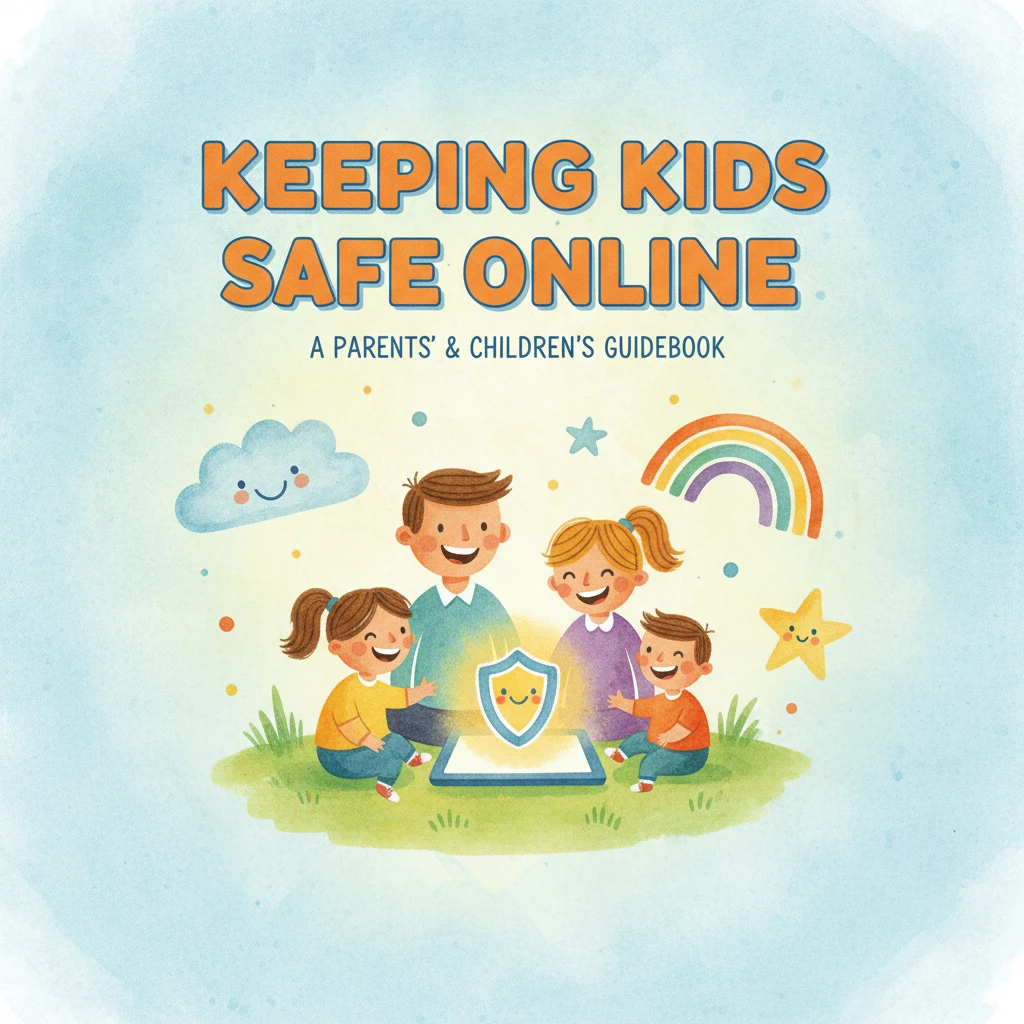
Our Keeping Kids Safe Online eBook and checklist can give you a starting point for those conversations. Adapt the routine to your child’s age and the services your family uses.
Featured in this guide
Keeping Kids Safe Online | Digital Parenting Guide for Modern Families | How to Keep Kids Safe Online eBook & Checklist for Internet Safety at Home
Know what to do when your child speaks up
If your child reports a troubling message or interaction, thank them for telling you. Ask what happened without pressing for every detail at once. If personal information was shared, focus on what you can secure or change rather than blame.
Help your child use the service’s block and report tools. When appropriate, save relevant usernames, messages, dates, or screenshots before blocking. Do not ask your child to keep engaging with someone to gather evidence. If there is an immediate threat or a child is in immediate danger, contact appropriate local emergency services or authorities promptly.
Keep the routine manageable
Choose one action today: review location sharing, decide who may message your child, or practice the words “Something happened online, and I need help.” Set a time to revisit your agreements as your child’s apps and independence change.
Device-free activities can also make screen-time boundaries easier to plan. If your child enjoys active play, our High-Speed 1/8 Scale Monster Tank RC Car is one option to consider. It does not replace online safety rules; it simply gives you another activity to plan together.
Before choosing, compare the product details with your daily routine, available space, care needs, and preferred setup. The strongest option is usually the one that fits the intended use clearly and remains simple to clean, store, and check before repeat use.
FAQ
What is the 7 7 7 rule for kids?
There is no single, widely accepted “7 7 7 rule” for children’s online safety. Instead of relying on an unfamiliar formula, agree on clear rules for contacts, privacy, screen time, and getting help.
What is the best way to keep children safe?
For online safety, combine open communication, age-appropriate boundaries, privacy settings, and a trusted adult your child can approach. No single app or rule covers every situation.
What is the 3-3-3 rule for children?
“3-3-3 rule” can refer to different ideas, so it is not a dependable online safety standard. Use specific, practical agreements your child understands instead.
What are the 5 P’s of child protection?
Different organizations use “5 P’s” to mean different things, so there is no universal list to apply here. For online protection at home, focus on prevention, privacy, open communication, reporting options, and a plan for getting help.
See if Keeping Kids Safe Online | Digital Parenting Guide for Modern Families | How to Keep Kids Safe Online eBook & Checklist for Internet Safety at Home fits your setup







Leave a comment